Private by Design: Visitor Management for a Multi-Site Medical Practice

Healthcare reception areas sit at an interesting intersection: you need to know who comes through the door, but the people waiting in your waiting room are often patients who didn't choose to share that fact with a stranger. A traditional sign-in sheet resolves this tension badly, favouring exposure over privacy.
Separating visitors from patients
The first design decision in a healthcare context is scope. WelcomeDesk is a visitor management system. It handles the people who come to see staff, attend meetings, deliver supplies or carry out maintenance. It doesn't touch the patient registration or practice management system, and it shouldn't.
A well-configured medical practice uses visitor types to make this boundary explicit:
- Visitor to staff: a guest here to see a named employee; normal host-notification flow.
- Contractor / maintenance: site access, policy acknowledgement, host notified, timed out on departure.
- Sales rep / vendor: waiting-room flow with pre-registration option; no clinical-area access.
- Regulator / inspector: full log, practice manager notified immediately.
None of these categories asks a visitor to identify themselves as anything related to clinical care. The boundary is clear at the kiosk itself.
No more visible sign-in sheets
A paper sign-in sheet has one persistent problem in a waiting room: the person signing in can read the names above them. For a mental health practice, an addiction clinic or a specialist referral service, that exposure is not theoretical. Patients notice, and some choose not to sign in rather than disclose their presence.
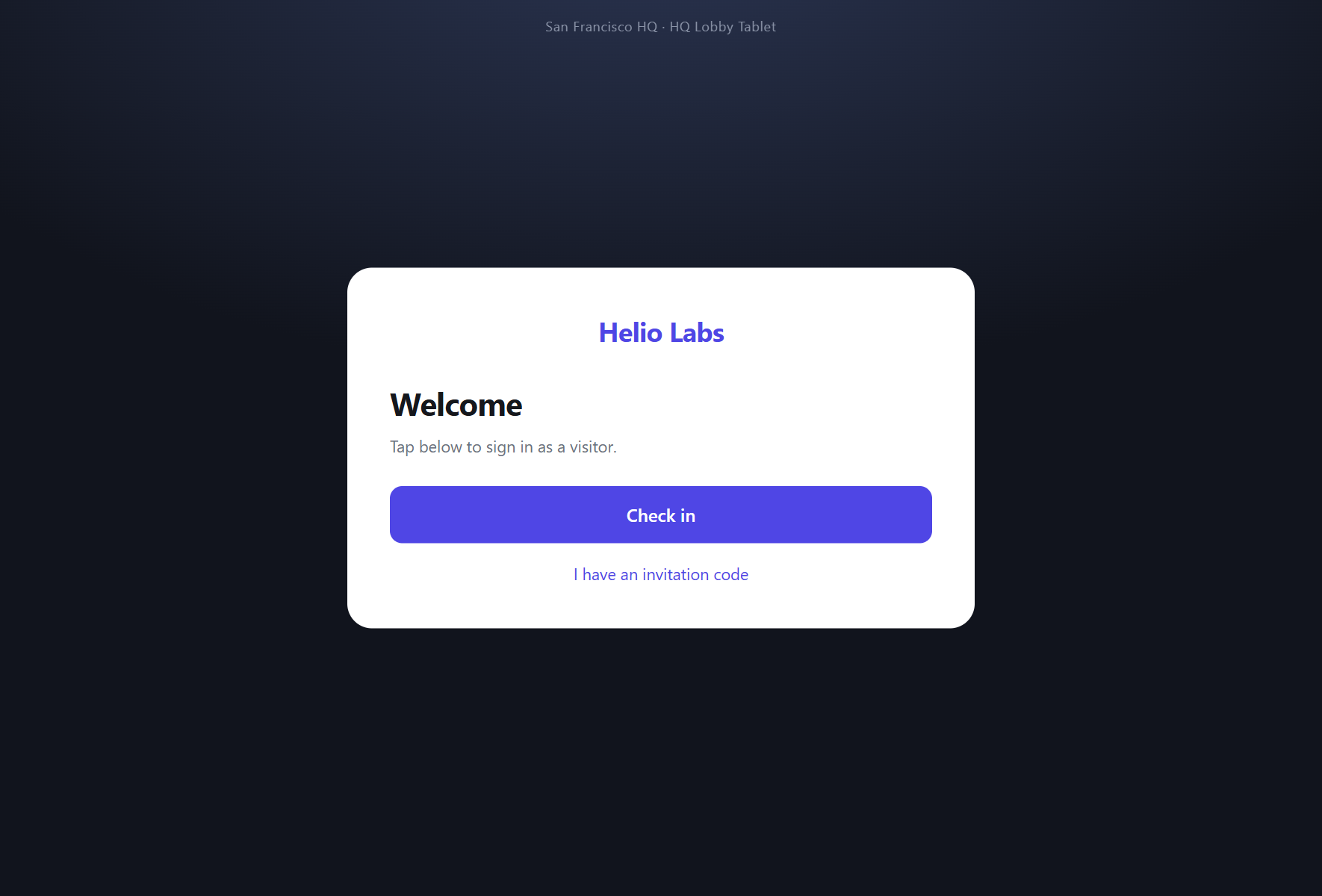
The kiosk shows a single check-in screen. The form clears after each submission. There is no visible list of who signed in before. The visit record exists, fully and accurately, in the dashboard: accessible to authorised staff, invisible to the next visitor in line.
Policy acknowledgement per visitor type
Medical facilities often require visitors and contractors to acknowledge specific policies before entering, including infection-control procedures, confidentiality notices, or site-specific health declarations. WelcomeDesk captures these as part of the visitor-type flow: the contractor signs in, reads the relevant policy on screen, and taps to confirm. The acknowledgement is stored against the visit record and available for audit.
Different visitor types can require different policies. A sales rep might see a short confidentiality notice; a maintenance contractor sees the full infection-control briefing. Both are configured from Settings, not code.
An audit trail regulators expect
When a CQC inspector or state health regulator asks to see the visitor log, the answer should be instant and complete. WelcomeDesk's audit log records every visit (who, when, which host, how long) in a tamper-evident format that exports to CSV on demand. Multi-site practices access all locations from a single account, so a compliance review covers every building from one screen.
The browser-first architecture matters here too: there is no proprietary hardware to fail, no iPad dependency to renew, and no single-point-of-failure device standing between reception and a working kiosk.
See WelcomeDesk at your front desk
Browser-based visitor management, one price for every office. Free for 14 days.
Start your free trial